Breif Introduction
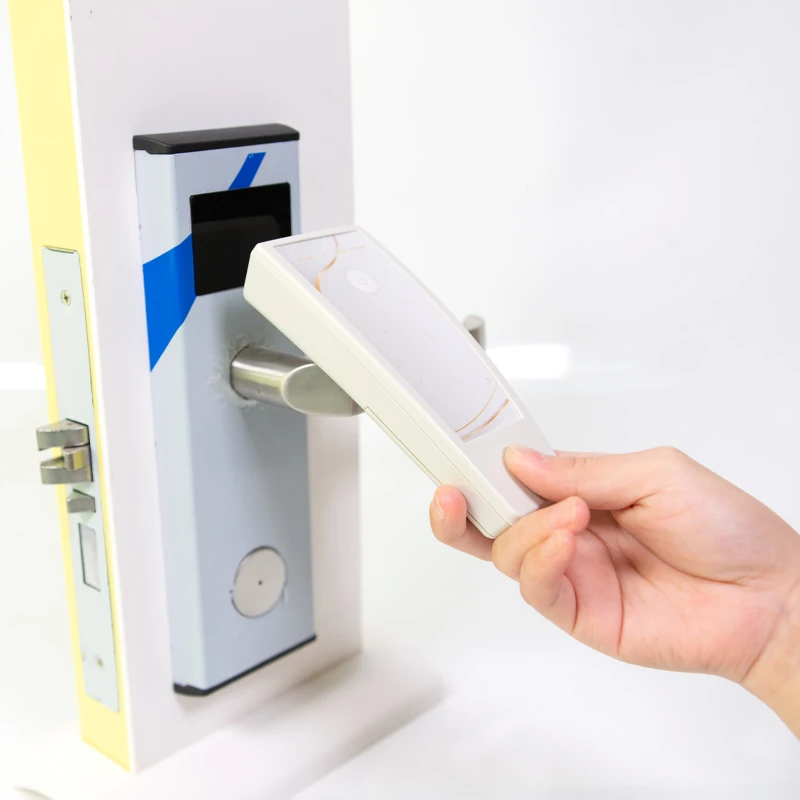
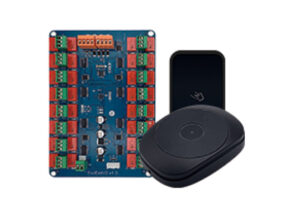
The system use Only IC card to unlock, plus APP as an extra unlock method, provides the ability to connect gateway, Multiple Receptionist end-point etc.
This article is written to describe the system installation and features, please navigate by table of contents.
1. System Key Features
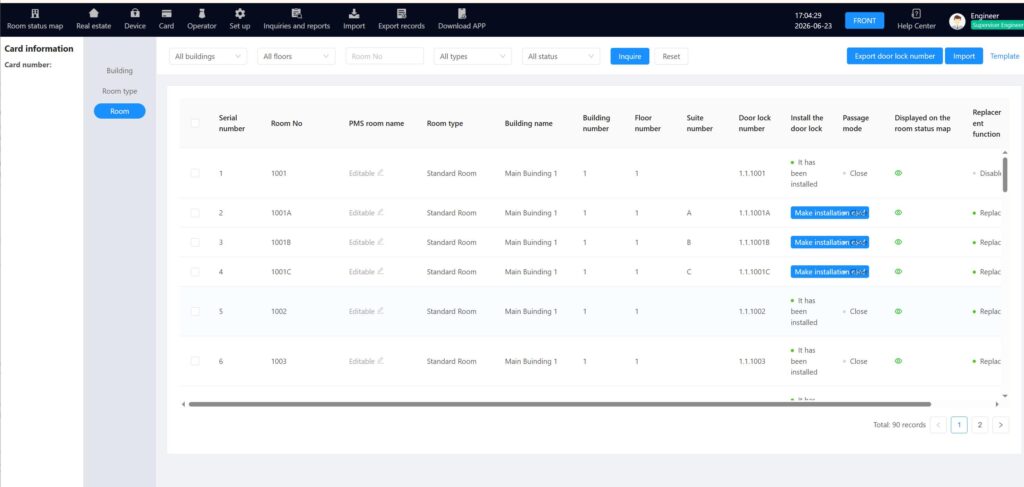
- BS System structure, Support Multi-receptionist end point, Make guest card on Windows,MAC, Linux, Android.
- Standard IC Card Unlock by default, easy to use .
- On-Premised system, data store in local network of the hotel, safe and quick to access.
- HTTP or MQTT API to access from PMS.
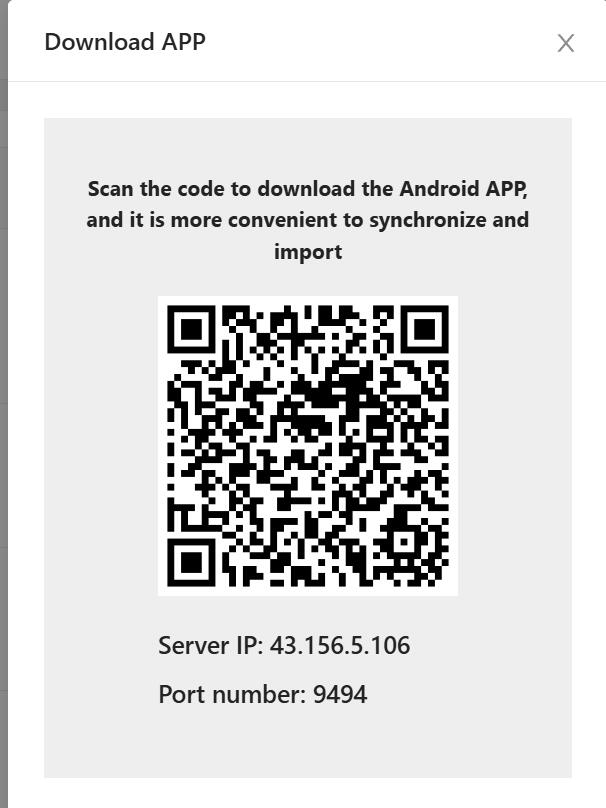
- Optional to use APP to unlock.
- Use gateway to check lock power and record from front desk.
2. Deployment Guideline
2.1 Install Server APP
Server Software is the back-end of the system, the core of the door lock management. All Data store on the server, and hotel staffs/PMS link to the server to work together.
We provide 3 different options, Windows installation, Linux Installation, or you can order our pre-load server, which can directly open to use.
First Obtain the installation file from vendor, which would be a Zip File.
You can Extract it directly with Windows file manager program. Double click the file to open and copy them to a desired location or right click then extract it.
Once extract the file, you will see there would be 4 exe files in folder:
- jdk-8u202-windows-x64.exe
- jdk_path.bat
- vcredist2013_x64.exe
- HTLock_[Ver.]_[date].exe
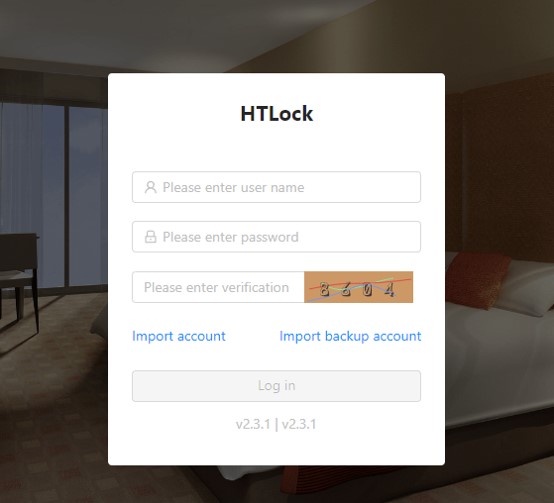
After the system install to your computer, you can start up the door lock server from start menu, Program name is “HTLock”
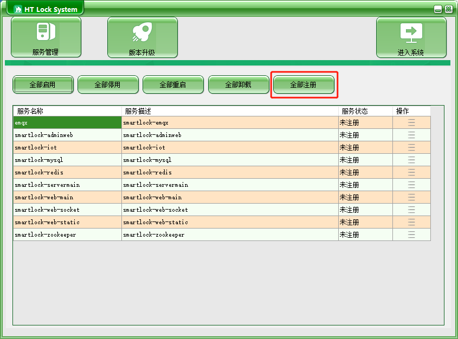
You will need to click the last button on the second line, to register the system to windows service.
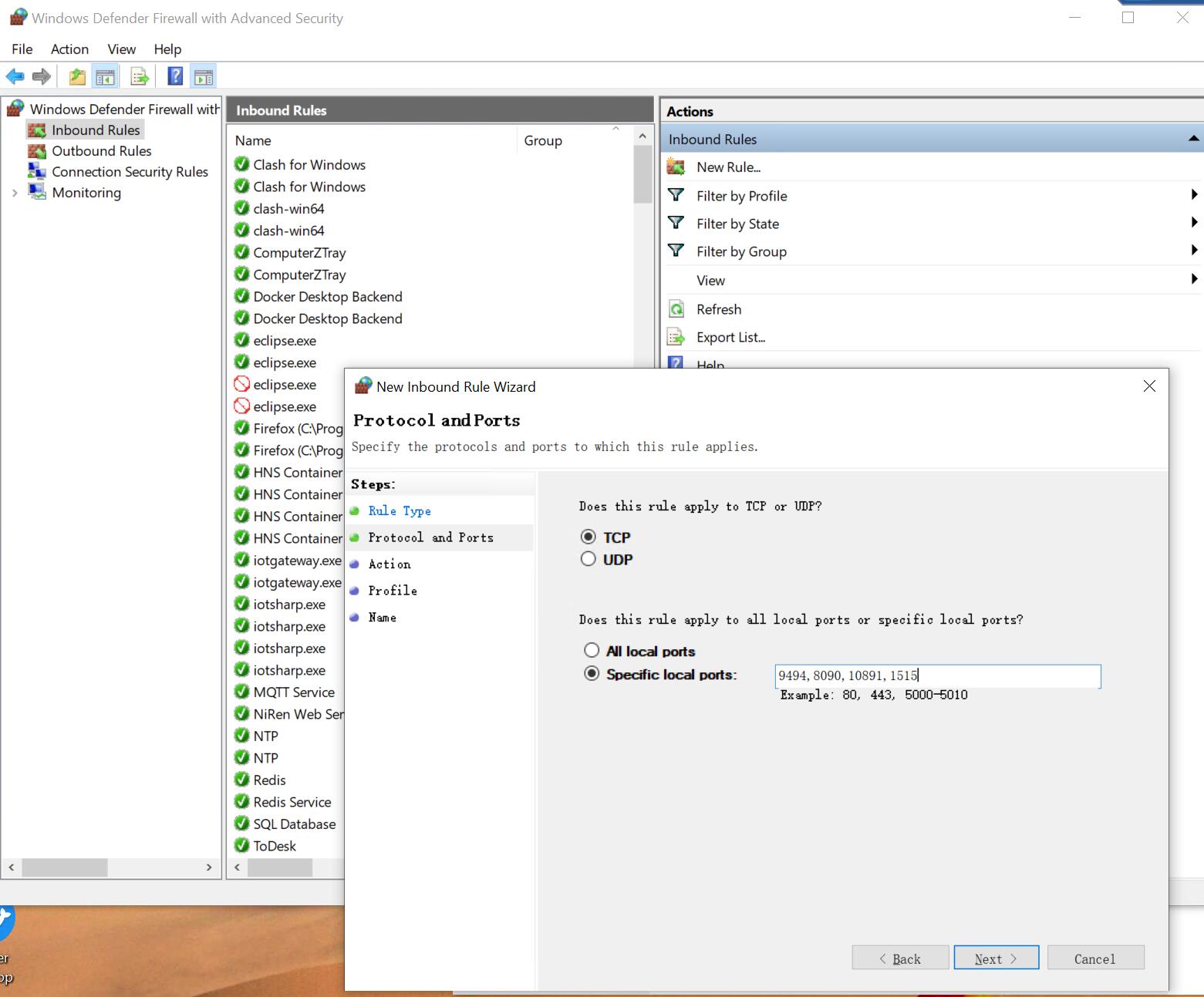
Once system up, you will need to configure 2 inportant things on your windows server to allow other device and endpoints to connect to the central server:
<1> Open this ports on windows defender firewall: 9494、8090,10891,1515、3306
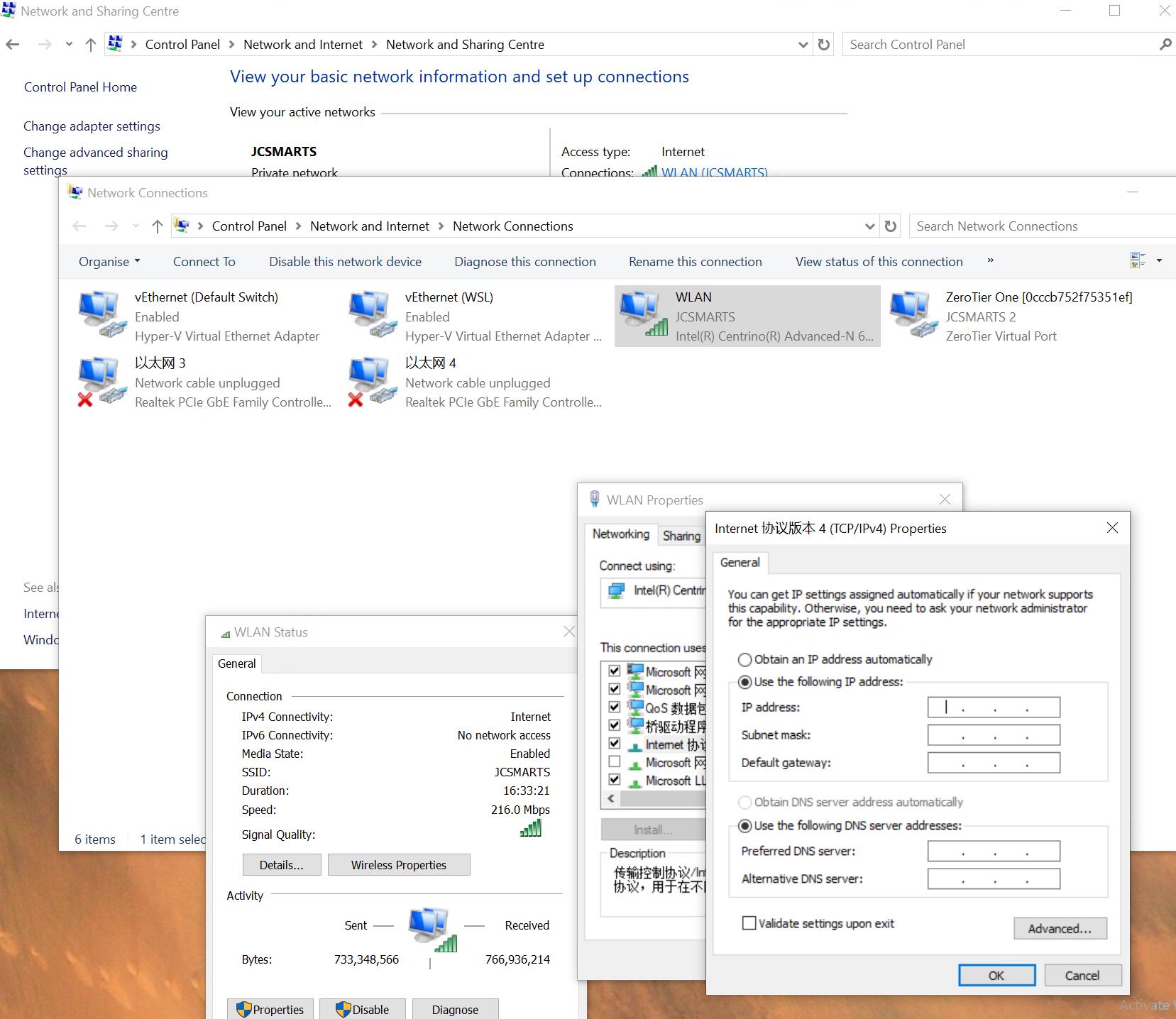
<2> Set Static IP to windows, this will make sure every time the core system reboot it remains the same location on the network.
2.2 Install Encoder
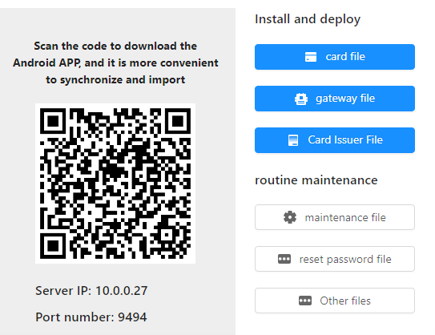
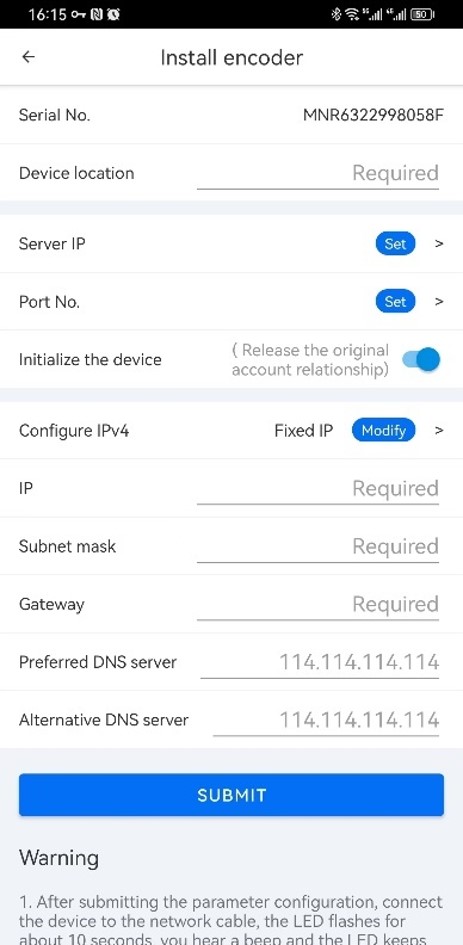
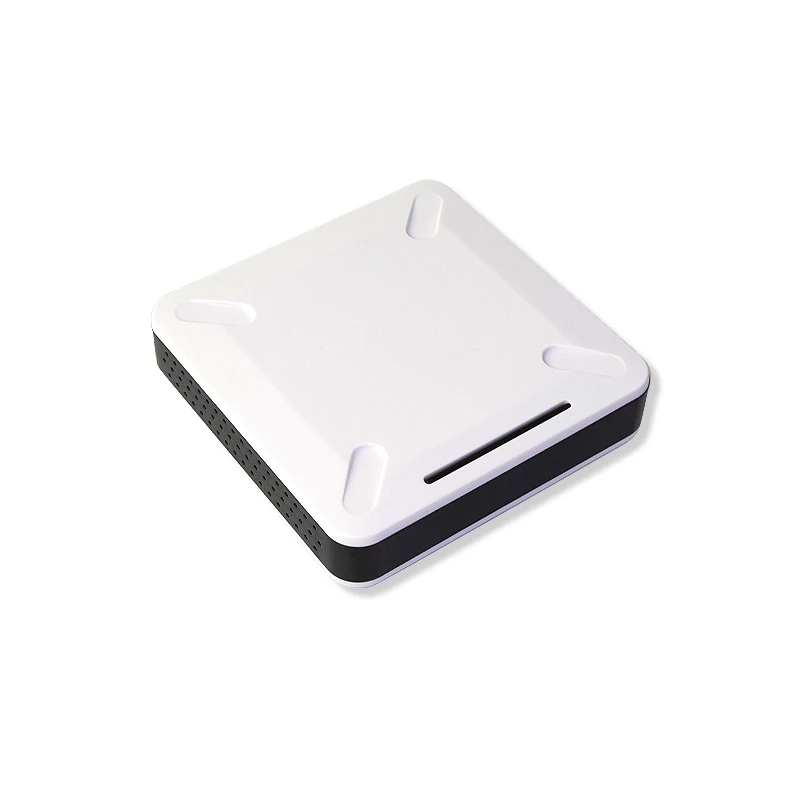
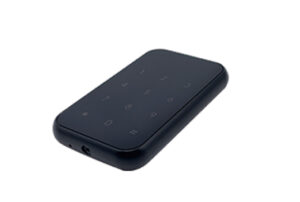
Encoder is the Key device of the system, it is the device to make the card, and the device to link to phone APP to do data sync and information download & upload.
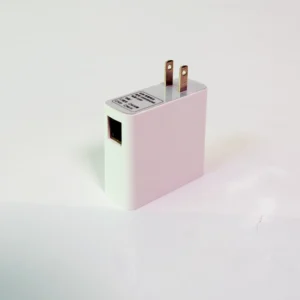
Encoder installation request Power supply and LAN cable, usually it is place on top of the front desk of the hotel, thus please reserve a LAN cable to this location. The encoder comes with AC-DC power adapter, so a AC socket must be available for it.